Layvionit
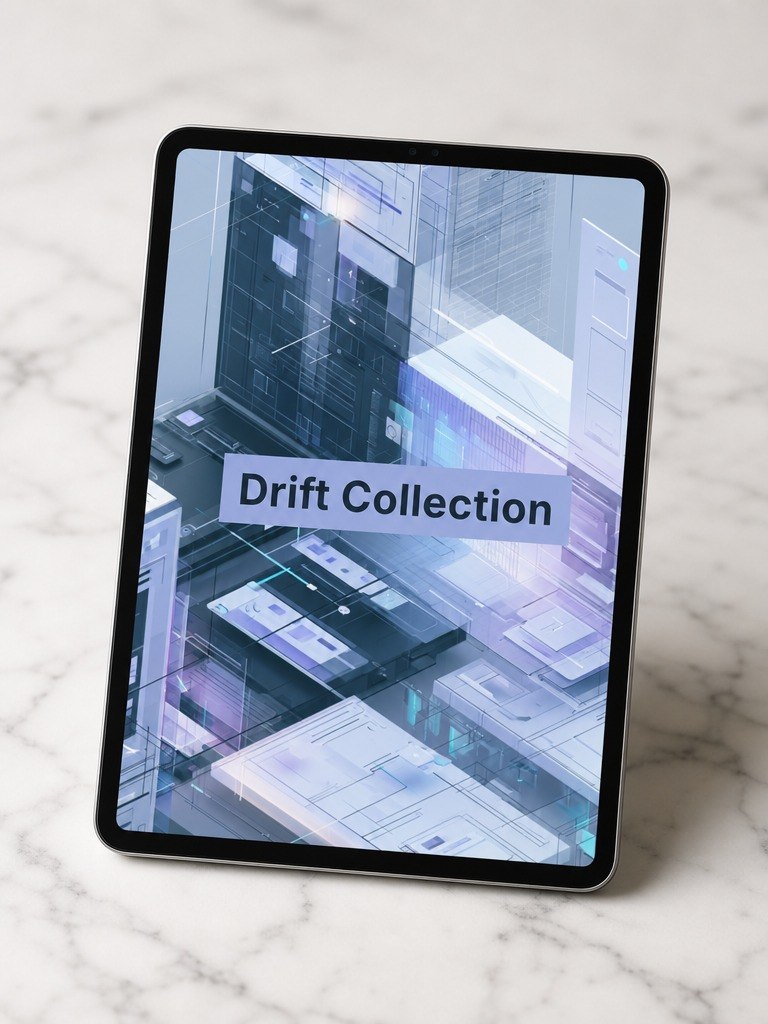
Drift Collection
Drift Collection
Couldn't load pickup availability
Share
- 📁 Digital file available after purchase
- 🗂️ Long-term availability
- 🔐 Secure checkout
- 🧩 Content updated in 2026
Self-paced learning overview
1. Problem Statement
When an interface becomes larger, complexity appears not only in separate screens, but also in transitions between actions. A user may understand one block but lose orientation after the next step. Often, a page or scenario contains many elements but does not explain what is happening now, what comes next, or which action should be taken. Because of this, even carefully designed screens may feel like disconnected parts rather than one complete experience. Drift Collection helps learners work with direction, rhythm, and sequence in user movement.
2. Solution
Drift Collection explains how to build a user route through the logic of actions, transitions, and messages. The course covers how to define key scenario points, remove unnecessary steps, and make the path easier to follow. You study how an interface can support the user through hints, states, microcopy, and clear navigation. The materials help learners notice where a scenario loses smoothness or creates unnecessary stops. This tier is for those who want to work more deeply with user journeys and interaction sequence.
3. What’s Inside
- Module 1: User Movement Logic — how to analyze user movement between blocks, screens, and actions.
- Module 2: Scenario Entry Points — how to define where the user begins the interaction and what they see first.
- Module 3: Step Sequence — how to arrange actions so the scenario reads in a consistent order.
- Module 4: Transition Clarity — how to explain transitions between steps through text, buttons, and interface states.
- Module 5: Friction Points — how to find places where a user may stop, hesitate, or lose context.
- Module 6: Microcopy for Movement — how short interface text helps support action direction.
- Module 7: Flow Cleanup Practice — how to simplify a learning scenario without losing meaning.
- Module 8: Drift Review Map — how to create a user movement map and mark key transitions.
- Module 9: Scenario Notes — how to describe route logic in clear language for a learning example.
4. Who Is This For?
✅ A good fit if you...
- already understand the structure of separate screens;
- want to work better with transitions between actions;
- are interested in user routes, states, and hints;
- want to learn how to notice where a scenario becomes unclear;
- are looking for a course about movement logic inside a digital experience.
❌ Not a fit if you...
- are just starting to explore UI/UX;
- want to work only with color, style, or decorative details;
- do not plan to analyze scenarios and user movement maps;
- expect ready-made answers without explanation of reasons;
- do not want to complete practical scenario review tasks.
5. What You’ll Learn
- Analyze user movement between screens, blocks, and actions.
- Define scenario entry points and main transitions.
- Arrange steps in a clear sequence.
- Notice where a user may lose context.
- Work with hints, short interface text, and interface states.
- Create a user route map for a learning example.
- Describe transition logic between actions in simple language.
- Review a scenario using a movement map and checklist.
6. Return & Review Policy
- 30-day money back
- Risk-free
Who are Layvionit courses made for?
Who are Layvionit courses made for?
Layvionit courses are intended for learners who want to study UI/UX through structure, interface logic, user scenarios, and practical materials. They are suitable for beginners, creative students, freelancers, small project owners, and anyone who wants to better understand digital design decisions.
Do I need previous design experience?
Do I need previous design experience?
Previous design experience is not required for the starter tiers. The materials are organized gradually, from basic concepts to deeper work with interfaces, user scenarios, page structure, and user behavior.
What is included in the learning materials?
What is included in the learning materials?
Depending on the tier, the materials may include lessons, modules, practical tasks, checklists, examples of interface decisions, page structures, working schemes, and self-study assignments. Each tier has its own depth, scope, and level of detail.