Layvionit
Align Bundle
Align Bundle
Couldn't load pickup availability
Share
- 📁 Digital file available after purchase
- 🗂️ Long-term availability
- 🔐 Secure checkout
- 🧩 Content updated in 2026
Self-paced learning overview
1. Problem Statement
At a deeper stage of UI/UX learning, the main challenge is often not separate knowledge, but how well those parts connect. A learner may understand screen structure, user routes, visual hierarchy, and components, but may not always know how to gather them into one consistent process. Because of this, learning layouts may contain good separate decisions while still not feeling like a complete system. It can also be difficult to review your own work: what already reads clearly, where the logic breaks, and which parts need revision. Align Bundle helps organize previous topics and view UI/UX as a full cycle of interface work.
2. Solution
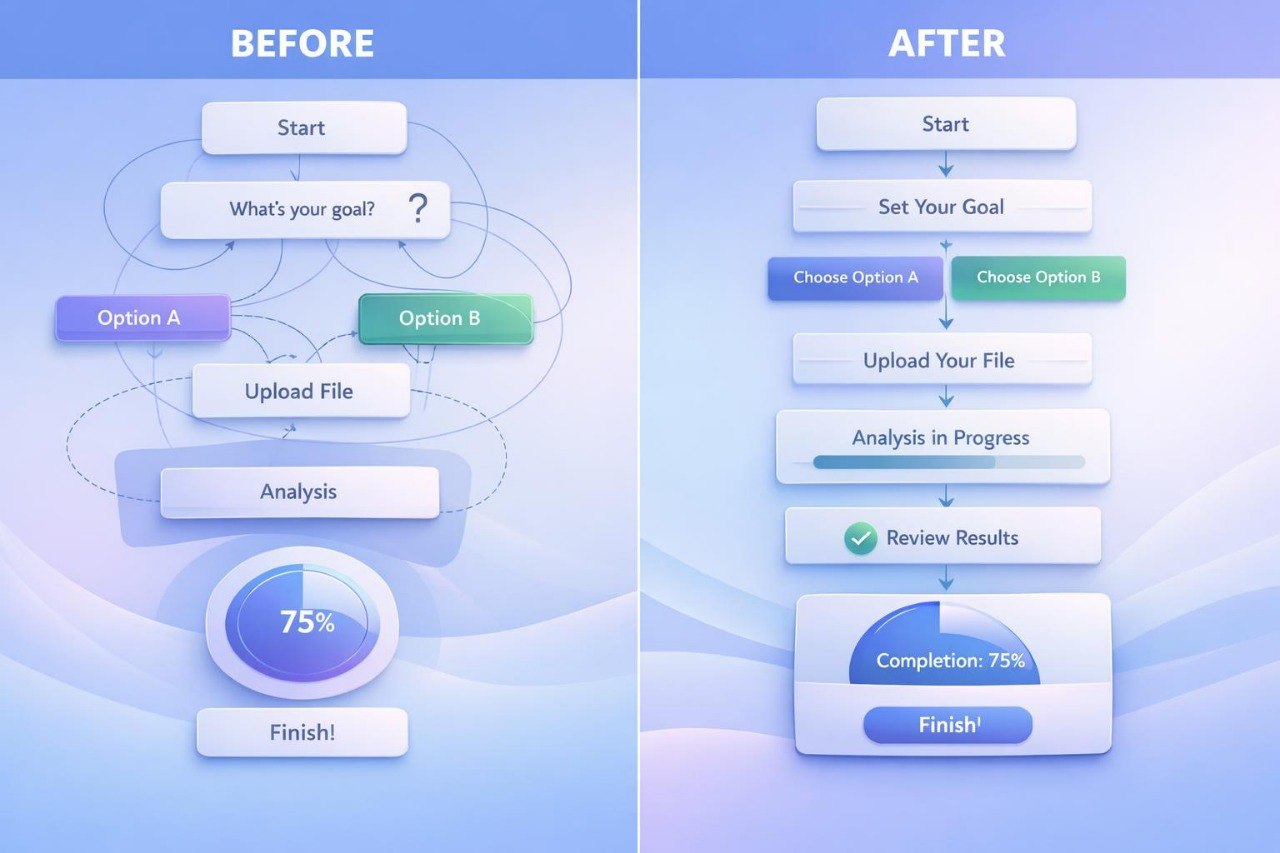
Align Bundle explains how to connect different stages of UI/UX work, from task analysis to the review of a completed learning layout. The course covers how to form page structure, describe user scenarios, work with components, and maintain the same logic between screens. You study how to create short decision notes, review an interface through several criteria, and find areas for improvement. The materials help build a calm working order without chaotic changes or random decisions. This tier is for learners who want to gather UI/UX knowledge into a broader practical system.
3. What’s Inside
- Module 1: Full UI/UX Workflow — how to build a work sequence from the task to the review of a learning interface.
- Module 2: Research Notes Basics — how to briefly record observations about the user, task, and context.
- Module 3: Structure Alignment — how to align headings, blocks, transitions, and main actions on a page.
- Module 4: Scenario and Screen Match — how to review whether screens support the user scenario.
- Module 5: Component Consistency — how to maintain the same logic for buttons, cards, forms, messages, and hints.
- Module 6: Content Review Layer — how to review text, labels, explanations, and microcopy from the perspective of clarity.
- Module 7: Visual Order Review — how to evaluate hierarchy, rhythm, spacing, and accents within a page.
- Module 8: Interface Checkpoints — how to create a set of review questions for a learning layout.
- Module 9: Revision Practice — how to make interface changes based on observations instead of random preferences.
- Module 10: Final Learning Case — how to prepare a short learning case with a task, scenario, structure, and decision notes.
4. Who Is This For?
✅ A good fit if you...
- are already familiar with UI/UX basics, scenarios, page structure, and components;
- want to gather different topics into one consistent approach;
- want to review your own learning layouts more carefully;
- want to describe the reasons behind design decisions;
- are looking for a course with a wider view of the full UI/UX process.
❌ Not a fit if you...
- are just starting to study UI/UX and have not worked with basic concepts yet;
- are looking for a short introduction without detailed tasks;
- do not want to analyze your own decisions and revise layouts;
- expect ready-made answers without independent work;
- do not plan to complete the final learning case.
5. What You’ll Learn
- Connect research, scenario, structure, components, and interface review.
- Build a consistent work order for a learning UI/UX layout.
- Describe the user task and interface context with simple notes.
- Review whether pages support the stated user scenario.
- Evaluate components by role, states, and repetition.
- Review interface text from the perspective of clarity and user action.
- Create your own list of review questions for a layout.
- Make changes based on analysis rather than random impressions.
- Prepare a short learning case explaining the task, structure, and decisions.
6. Return & Review Policy
- 30-day money back
- Risk-free
Who are Layvionit courses made for?
Who are Layvionit courses made for?
Layvionit courses are intended for learners who want to study UI/UX through structure, interface logic, user scenarios, and practical materials. They are suitable for beginners, creative students, freelancers, small project owners, and anyone who wants to better understand digital design decisions.
Do I need previous design experience?
Do I need previous design experience?
Previous design experience is not required for the starter tiers. The materials are organized gradually, from basic concepts to deeper work with interfaces, user scenarios, page structure, and user behavior.
What is included in the learning materials?
What is included in the learning materials?
Depending on the tier, the materials may include lessons, modules, practical tasks, checklists, examples of interface decisions, page structures, working schemes, and self-study assignments. Each tier has its own depth, scope, and level of detail.